Is Alight Motion Safe to Download? (Complete 2026 Safety Guide)
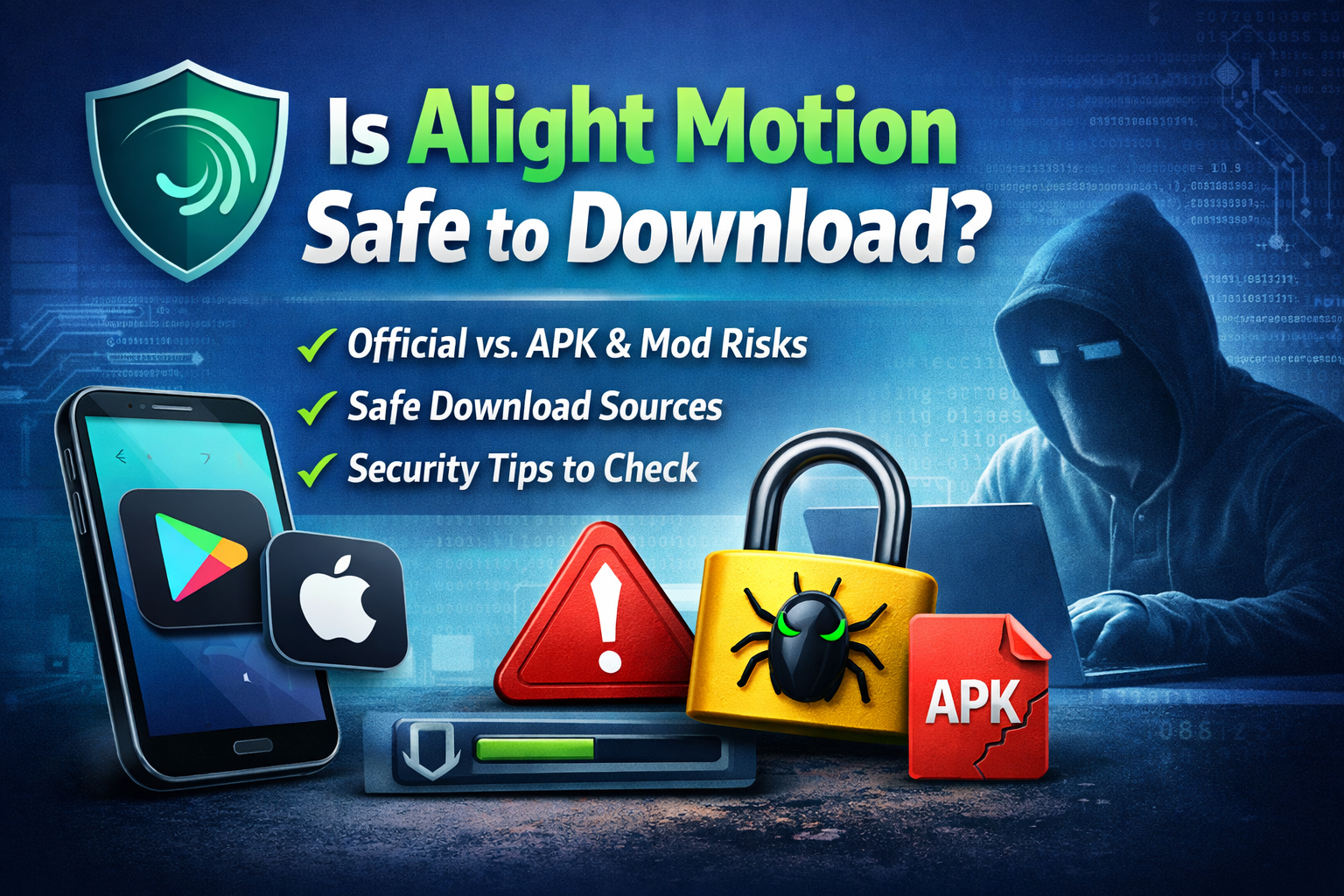
Most people don’t think twice before downloading an app like Alight Motion they search, click, install, and start editing. But here’s the part that often gets ignored: not every version of Alight Motion available online is actually safe to use. While the official app is trusted and widely used, many users are pulled toward mod APK versions promising premium features for free. That’s where things can quietly go wrong. The real concern isn’t the app itself it’s the source you’re downloading it from and what might be hidden inside the file. Before you install anything, it’s important to understand the risks, the differences between official and modified versions, and how to make a safe choice.
What Is Alight Motion?
Alight Motion is a powerful mobile video editing and motion graphics app designed for creators who want professional-level editing on their smartphones. It is widely used for editing reels, animations, and social media content thanks to features like keyframe animation, visual effects, blending modes, and layered editing.
Because of its advanced tools, many users look for ways to unlock premium features without paying. This leads to searches like “Alight Motion mod APK,” “pro unlocked version,” or “no watermark download.” While these options may sound appealing, they often come with important safety concerns that most users overlook.
Is Alight Motion Safe to Download?
The safety of Alight Motion depends entirely on where and how you download it.
If you install the app from official platforms like the Google Play Store or Apple App Store, it is generally safe. These platforms verify apps, scan for malware, and ensure that updates are regularly provided. This means the official version is secure, stable, and suitable for long-term use.
However, if you download an APK file from a third-party website especially a modified or “mod” version the situation changes. These files are not verified by official sources and can be altered before being distributed. As a result, they carry potential risks that are often hidden from the user.
Risks of Downloading Alight Motion Mod APK
Many websites promote mod APKs by focusing on free features, but they rarely explain the risks in detail. Understanding these risks is essential before making any decision.
One major concern is malware. Since mod APKs are modified versions of the original app, they can include hidden code that runs in the background. This code may not be visible to you, but it can affect your device’s performance or security over time.
Data privacy is another serious issue. Some APK files request permissions that go beyond what a video editing app should need. If you grant these permissions, your personal data such as files or device information could be accessed or misused.
Another problem is the lack of updates. Official apps receive regular updates that fix bugs and improve security. Mod APKs do not. This means you are using an outdated version that becomes more vulnerable over time.
Performance issues are also common. Users often experience crashes, lag, or export failures when using modified versions. Since these apps are not properly optimized, they can create a frustrating editing experience.
Finally, using a mod APK may violate the developer’s terms of service. While this might not seem important at first, it can lead to restrictions or other issues in the future.
Official App vs Mod APK
To make things clearer, here’s a direct comparison between the official version of Alight Motion and mod APK versions:
| Feature | Official Alight Motion App | Alight Motion Mod APK |
| Safety & Security | ✅ Fully verified and safe | ❌ Unverified, potential risks |
| Source | ✅ Official app stores | ⚠️ Third-party websites |
| Performance | ✅ Stable | ❌ Unstable |
| Features | ⚠️ Limited (free + paid) | ✅ Premium unlocked |
| Legal Status | ✅ Legal | ❌ Not allowed |
When viewed side by side, the difference is clear. The official app prioritizes safety and reliability, while mod APKs focus on convenience at the cost of security.
How to Check If an APK File Is Safe
If you are still considering downloading an APK file, it is important to follow a proper safety process.
Start by checking the source. Avoid websites that rely heavily on pop-ups, redirects, or misleading download buttons. These are often signs of unreliable platforms.
Next, scan the APK file before installing it. Using antivirus tools or online scanners can help detect potential threats before they affect your device.
Permissions are another key factor. Before installing, review what the app is requesting. A video editing app should not need access to contacts or messages. If it does, that is a strong warning sign.
You should also compare the file size and version with the official app. If there is a significant difference, it may indicate that the file has been modified.
Try to verify the developer information. If the developer name does not match the official app, it is best to avoid installing it.
Best Safe Sources to Download Alight Motion
If your goal is safety and reliability, the best approach is simple: use official sources.
Downloading from the Google Play Store or Apple App Store ensures that the app has been verified and scanned for security risks. These platforms are designed to provide safe downloads and regular updates.
While third-party websites may offer additional features, they cannot guarantee the same level of trust or protection.
Signs an APK File Is Dangerous
Recognizing warning signs can help you avoid unsafe downloads before it’s too late.
If a website forces multiple redirects before allowing a download, it is likely not trustworthy. Excessive ads and fake download buttons are also common tactics used to mislead users.
Another red flag is unrealistic promises such as “100% safe mod APK with all premium features unlocked.” These claims are often used to attract clicks but rarely reflect reality.
Unusual permission requests, missing developer details, and inconsistent file sizes are also indicators that something is not right.
Why Do People Still Download Mod APKs?
Despite the risks, mod APKs remain popular because they offer features that users want without requiring payment.
Removing watermarks, unlocking premium tools, and avoiding subscriptions are strong incentives. For many users, this convenience feels worth it.
However, this trade-off often becomes clear after experiencing issues like crashes, poor performance, or security concerns.
Should You Download Alight Motion?
When everything is considered, the safest choice is clear.
Alight Motion is a reliable and secure app when downloaded from official sources. It provides a stable experience, regular updates, and proper security protection.
Mod APK versions, on the other hand, introduce unnecessary risks. While they may offer free features, they also increase the chances of malware, data exposure, and performance issues.
If you value your device, your data, and long-term usability, the official version is always the better option.
Final Thoughts
Downloading apps is something most people do without much thought, but when it comes to APK files and modified versions, caution is essential. A single careless download can lead to issues that are difficult to fix later.
The safest approach is simple: download from trusted sources, avoid shortcuts, and always verify what you install.
Alight Motion itself is not the problem. The real risk comes from where you get it. Choose wisely, and you can enjoy all the features of the app without compromising your security.
FAQs About Alight Motion Safety
1. Is Alight Motion safe to download?
Yes, it is safe if downloaded from official sources like Google Play Store or Apple App Store. Avoid third-party APKs to prevent malware and privacy risks.
2. What are the risks of using Alight Motion mod APK?
Mod APKs may unlock premium features but can contain malware, compromise your data, cause app crashes, and violate the developer’s terms of service.
3. Can I use Alight Motion for free?
Yes, the official app offers a free version with essential tools. Premium features like watermark removal require a subscription.
4. How can I check if an APK file is safe?
Verify the source, scan the file with antivirus software, review permissions, compare version and file size with the official app, and check the developer information.
5. Is it legal to use a mod APK version of Alight Motion?
No. Using mod APKs violates Alight Motion’s terms of service and can be considered illegal. The official app is the safe and legal option.